
Why Your Local Business Isn't Showing Up on Google
Is your business missing from Google Search or Maps? Here are the most common reasons local businesses don't show up on Google — and what you can do to improve your visibility.
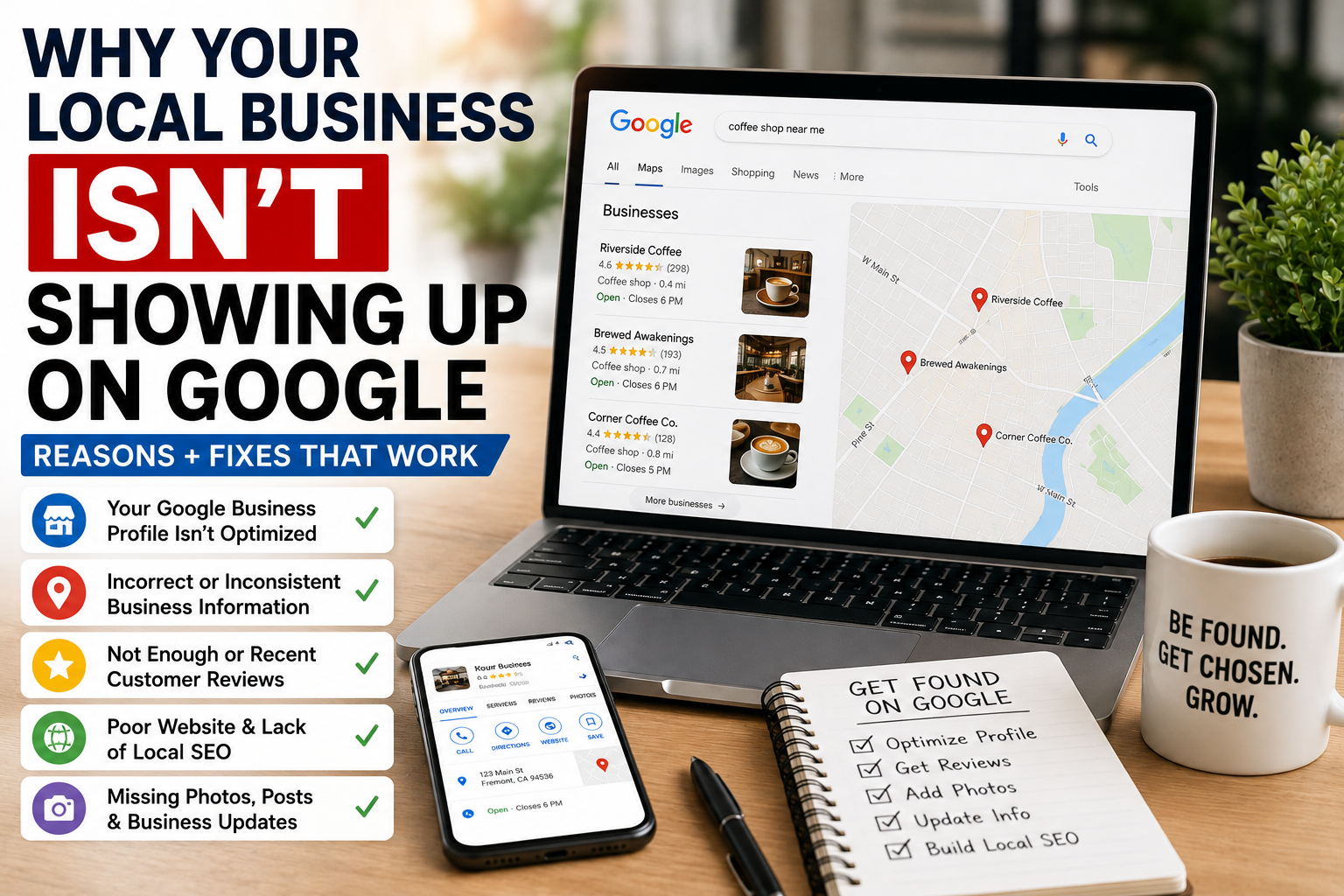
You search for your service on Google.
Your competitors show up.
Your business doesn't.
Or maybe you can find your business when you search its exact name, but you disappear when you search:
“dentist near me”
“coffee shop in Fremont”
“auto repair near me”
“property management company”
If this is happening, it doesn't necessarily mean Google is ignoring your business.
There are several reasons a local business may not appear prominently in Google Search or Google Maps.
Google says local search results are primarily determined by three things:
Relevance, distance, and prominence.
Understanding those three factors — and fixing the problems you can control — is the best place to start.
1. Your Google Business Profile Isn't Verified
First, check the basics.
Is your Google Business Profile actually verified?
Google states that verified businesses are eligible to display their business information across Search and Maps.
If verification isn't complete, your visibility can be limited.
Check that:
- You have claimed the correct profile
- Verification has been completed
- You're signed into the correct Google account
- There isn't another profile for the same business
If you've just created the profile, don't panic immediately either.
Google says rankings for new businesses can take up to a month to appear, and edits to business information can take up to three days to show in search results.
2. Your Business Information Is Incomplete
Google needs to understand your business before it can confidently show it for relevant searches.
A nearly empty profile doesn't give Google much information to work with.
Check whether you've completed:
- Business name
- Address or service area
- Phone number
- Website
- Business hours
- Primary category
- Secondary categories
- Services
- Business description
- Photos
- Relevant attributes
Google specifically says that businesses with complete and accurate information are more likely to appear in local search results.
Think of your profile as Google's summary of your business.
If that summary is incomplete, Google may have difficulty understanding when your business should appear.
3. You Chose the Wrong Business Category
Categories are extremely important.
Imagine you own a permanent makeup studio.
If your primary category is something very broad such as:
Beauty Salon
but a competitor has a category that more accurately represents the service being searched for, Google may see that competitor as more relevant.
Your primary category should describe the main thing your business is.
Then add relevant secondary categories where appropriate.
Don't choose dozens of unrelated categories just because you're trying to rank for more searches.
You want Google to clearly understand what kind of business you operate.
4. Google Doesn't Think You're Relevant to the Search
This is where relevance comes in.
Google defines relevance as how closely a Business Profile matches what someone is searching for.
For example, imagine someone searches:
“Invisalign near me.”
If Dentist A has:
- Invisalign listed as a service
- A website page about Invisalign
- Relevant information across its website
- Reviews mentioning Invisalign
while Dentist B simply says:
“Family dental office”
Google has much more information connecting Dentist A to that search.
This is why your Google Business Profile and website should support each other.
Be specific about what you actually offer.
5. You're Too Far Away From the Person Searching
This is the factor business owners often dislike because you can't completely control it.
Google considers distance between the business and the location associated with the search.
Someone searching:
“coffee shop near me”
from one side of Fremont may get different results than someone searching the exact same thing from the other side of the city.
This also explains something important:
Your own Google search isn't a perfect ranking test.
Just because you don't see your business doesn't mean nobody sees it.
Local results can change depending on where the searcher is located.
And creating hundreds of fake locations isn't the solution.
You should accurately represent where you actually operate.
6. Your Competitors Are More Prominent
The third major factor is prominence.
Google describes prominence as how well-known a business is.
Google can use information from across the web, including links and other references to the business. Reviews and ratings can also contribute to local ranking.
Consider two nearby restaurants.
Restaurant A has:
- 380 Google reviews
- A strong website
- Mentions on local websites
- Lots of business information online
- Consistent branding
- Active online profiles
Restaurant B has:
- 11 reviews
- A basic website
- Very little information elsewhere online
Even if both businesses technically offer the same thing, Google has much more evidence that Restaurant A is established.
Building prominence takes time.
7. You Don't Have Enough Reviews
Reviews aren't the only ranking factor, but they matter.
Google states that review count and positive ratings can help a business's local ranking.
Compare your profile with the businesses currently ranking above you.
Do they have:
500 reviews while you have 12?
Are their reviews recent while your last one is eight months old?
You don't need to obsess over matching every competitor's number.
But you should have a consistent system for asking real customers to leave reviews.
Make it easy.
Use:
- A direct review link
- QR codes
- Follow-up emails
- Follow-up texts
- Post-appointment messages
And respond to the reviews you receive.
8. Your Website Doesn't Explain What You Do
Your Google Business Profile doesn't exist in isolation.
Google says Business Profile information can come from several sources, including publicly available web content such as your official website.
That means your website should clearly communicate:
What you do
Where you're located
What services you offer
Who you serve
If you're an auto shop in Fremont, but your website barely mentions Fremont and doesn't have individual pages explaining your services, you're making Google's job more difficult.
Instead of one generic page saying:
“We offer automotive services.”
you might have dedicated pages for:
Oil Changes
Brake Repair
AC Repair
Tire Services
Then explain where those services are offered.
9. You're Trying to Rank One Page for Everything
This is another common problem.
Imagine your business offers:
- Microblading
- Lip blush
- Powder brows
- Eyeliner tattoo
- Permanent makeup correction
But your website has one page:
Services
with two sentences about everything.
Now imagine a competitor has a useful page dedicated specifically to:
Lip Blush in Fremont
Which website gives Google a clearer answer when someone searches for lip blush?
Usually, the second one.
Create useful individual pages for your most important services.
Don't create hundreds of thin pages just for SEO.
Create pages that actually help customers understand the service.
10. Your Business Information Is Inconsistent Online
Maybe Google says:
123 Main Street
Your website says:
123 Main St., Suite 4
Another directory has your old address.
Facebook lists your old phone number.
A third-party website spells your business name differently.
Some variation is normal, but major inconsistencies can create confusion for customers and search engines.
Google compiles business information from several sources, including business owners, websites, third-party data, and user contributions.
Keep your important information accurate across your online presence.
Pay particular attention to:
- Business name
- Address
- Phone number
- Website
- Hours
11. Your Google Business Profile Has Been Neglected
You created the profile three years ago.
And haven't touched it since.
Meanwhile:
Your hours changed.
Your services changed.
Your team changed.
Your website changed.
Your competitors collected 200 new reviews.
Google specifically recommends maintaining complete, accurate, and current business information.
Check your profile regularly.
Update:
- Hours
- Services
- Photos
- Business information
- Offers
- Reviews
- Links
Your profile should accurately represent the business customers would encounter today.
12. Your Profile May Be Suspended or Disabled
If you suddenly disappear completely — even when searching your exact business name — check the status of your profile.
Google says Business Profiles that violate its guidelines may become disabled or suspended and may stop appearing publicly until the issue is resolved.
Possible issues can involve things such as:
- Incorrect business information
- Businesses that aren't eligible for a profile
- Misleading business names
- Problematic addresses
- Duplicate profiles
- Other guideline violations
If your profile is suspended, don't immediately create another one.
Determine why the existing profile was affected and follow Google's process to resolve the issue.
13. Your Business Is New
Sometimes there isn't anything terribly wrong.
You're simply new.
A competitor that's been operating for ten years may have:
- Hundreds of reviews
- Years of backlinks
- Established website authority
- Local press mentions
- Repeat customers
- Long-standing business listings
You created your website three weeks ago.
Google isn't necessarily going to treat those businesses equally immediately.
Build your presence gradually.
Keep improving:
your website
your reviews
your Google profile
your local presence
your reputation
Local SEO is usually a long-term process rather than an overnight switch.
What Should You Fix First?
If your local business isn't showing up on Google, start in this order:
1. Search your exact business name
Can you find the profile at all?
If not, check verification and profile status.
2. Review your business information
Make sure everything is accurate and complete.
3. Check your primary category
Does it accurately represent your business?
4. Add your important services
Tell Google and customers what you actually offer.
5. Improve your website
Create useful pages around your most important services.
6. Get more genuine customer reviews
Make asking for reviews an ongoing process.
7. Improve your broader online presence
Make sure your business information is accurate across the web and work toward earning legitimate local mentions and links.
8. Keep improving
Local SEO is not something you finish once.
Your competitors aren't standing still either.
Can You Pay Google to Rank Higher on Maps?
No.
Google explicitly says there is no way to request or pay for a better local ranking.
You can pay for Google Ads.
That's advertising.
But organic Google Maps and local rankings are determined algorithmically.
Be cautious if someone promises:
“Pay us and we'll guarantee you the #1 Google Maps position.”
Nobody can legitimately guarantee that.
The Goal Isn't Just Showing Up for Your Business Name
This distinction is important.
If someone searches:
“Casey's Coffee House”
and you show up, that's good.
But that person already knows you exist.
The bigger marketing opportunity is appearing when someone searches:
“coffee near me”
“best coffee shop in Fremont”
“coffee shop open now”
Those searches can introduce your business to customers who haven't chosen a company yet.
That's where local SEO becomes valuable.
Make It Easy for Google to Understand Your Business
There isn't one secret trick for getting a local business to show up on Google.
The fundamentals matter:
Give Google accurate information.
Clearly explain what you offer.
Build a useful website.
Collect genuine reviews.
Keep your business information current.
Build a strong reputation online and offline.
And remember Google's three core local ranking concepts:
Relevance + Distance + Prominence
You can't control every search result.
But you can give Google much stronger reasons to consider your business a good match.
Want Help Getting Your Business Found?
Managing a Google Business Profile, local SEO, reviews, website content, and the rest of your online presence can become another job on top of running your actual business.
That's where YupUp comes in.
Orbit by YupUp helps local businesses keep important marketing work moving — including Google Business Profile management, local SEO, review management, content, social media, offers, booking, and customer retention.
You run the business. Orbit helps people find it.
Need a review and local marketing system?
YupUp helps independent businesses manage reviews, local visibility, and customer follow-up with AI-assisted workflows.
Get a free growth review